
SimpleBoards adds a public ideas board and roadmap to your WordPress site. Customers post requests, vote on what matters, and follow what you ship next. You stop hunting through email threads and start building from real demand.
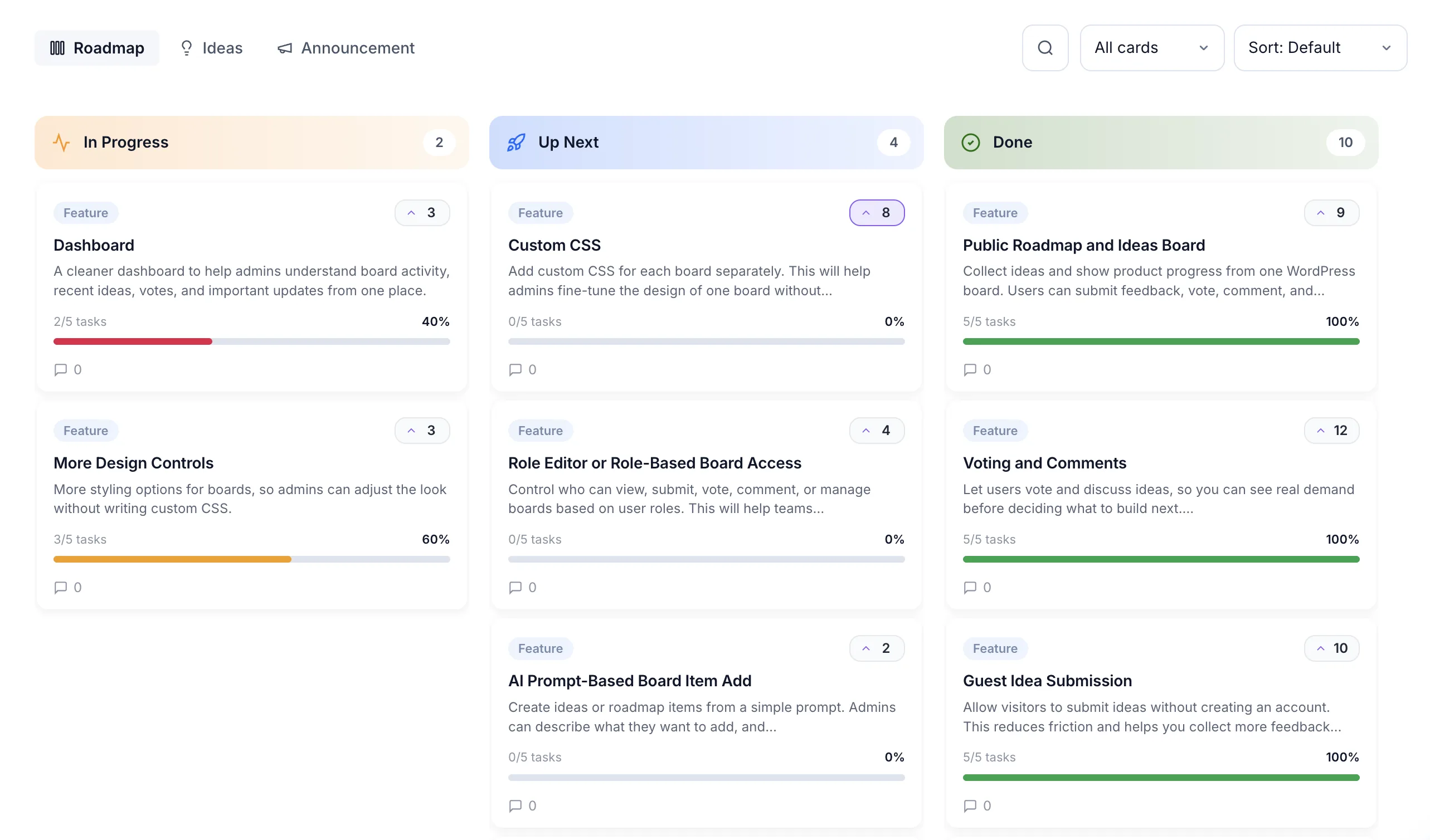
From the first user request to the day you ship, SimpleBoards keeps the whole loop in one place. The data lives on your server, so nothing leaves your control.
Display planned, in-progress, and shipped work in a clean Kanban layout. Visitors stop emailing your team for updates.
Users post ideas directly on your site. You review each one before it goes public, so spam never reaches your roadmap.
One vote per user per idea. The most-wanted features rise to the top, so you plan from real numbers instead of guessing.
Category filters and keyword search across roadmap and ideas. Long boards stay fast and navigable.
Visitors submit without creating an account. Less friction, more feedback, better signal.
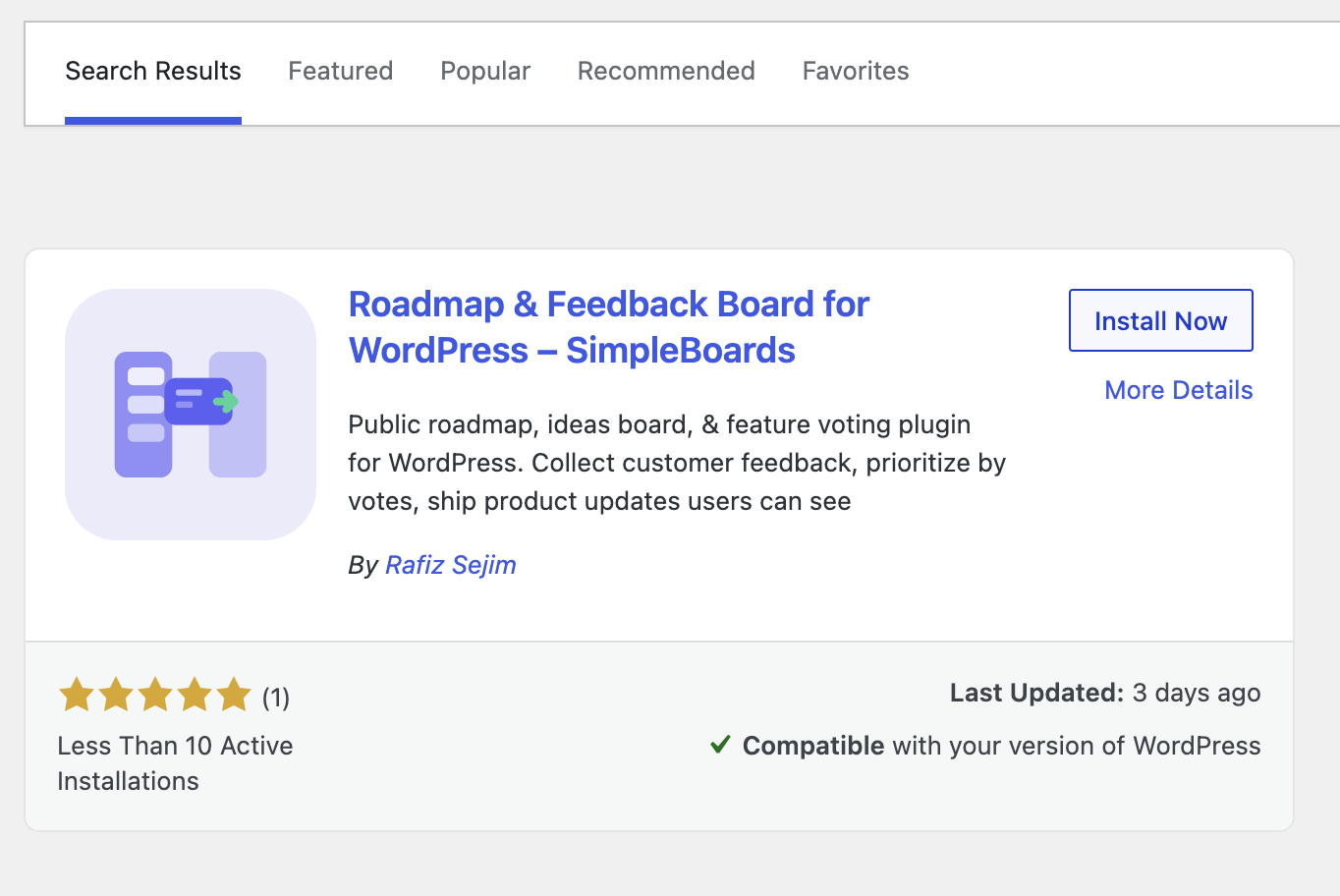
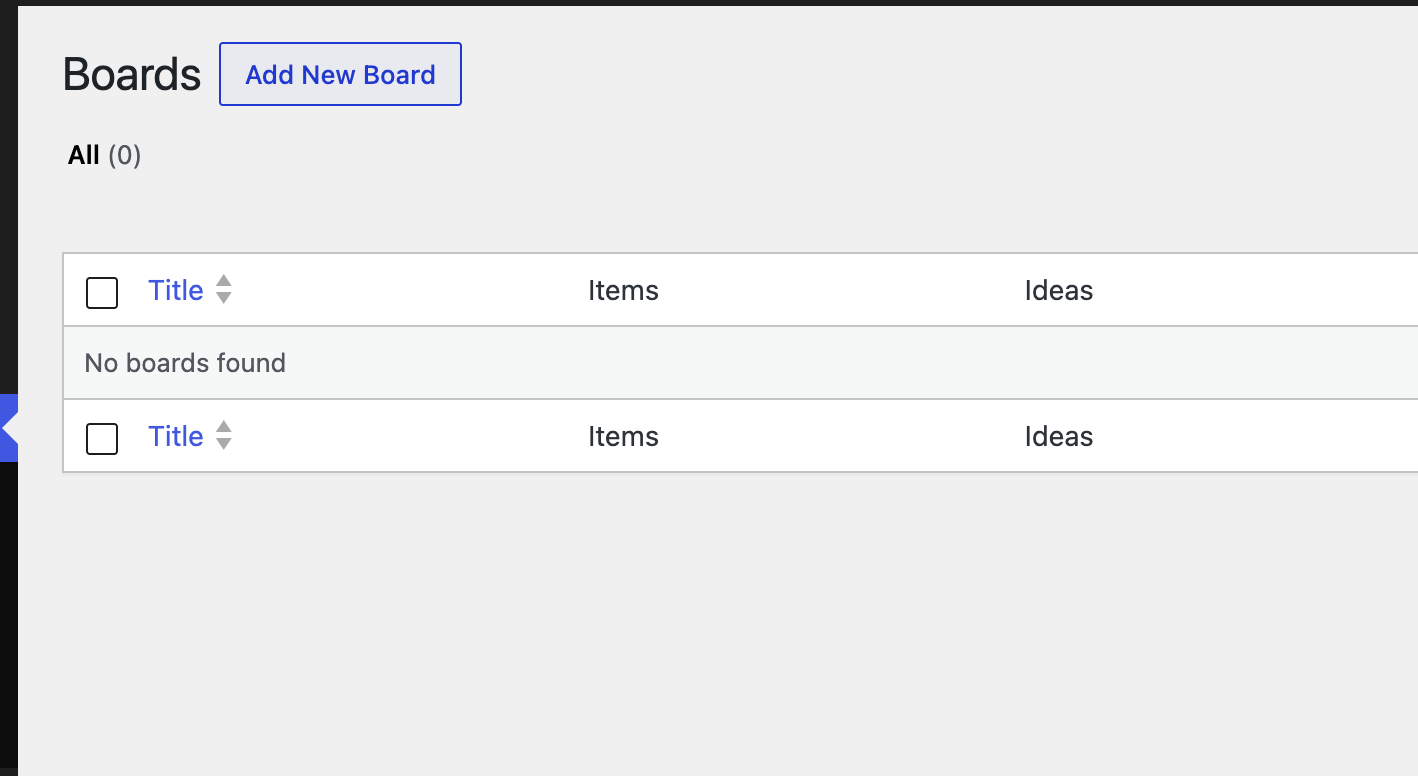
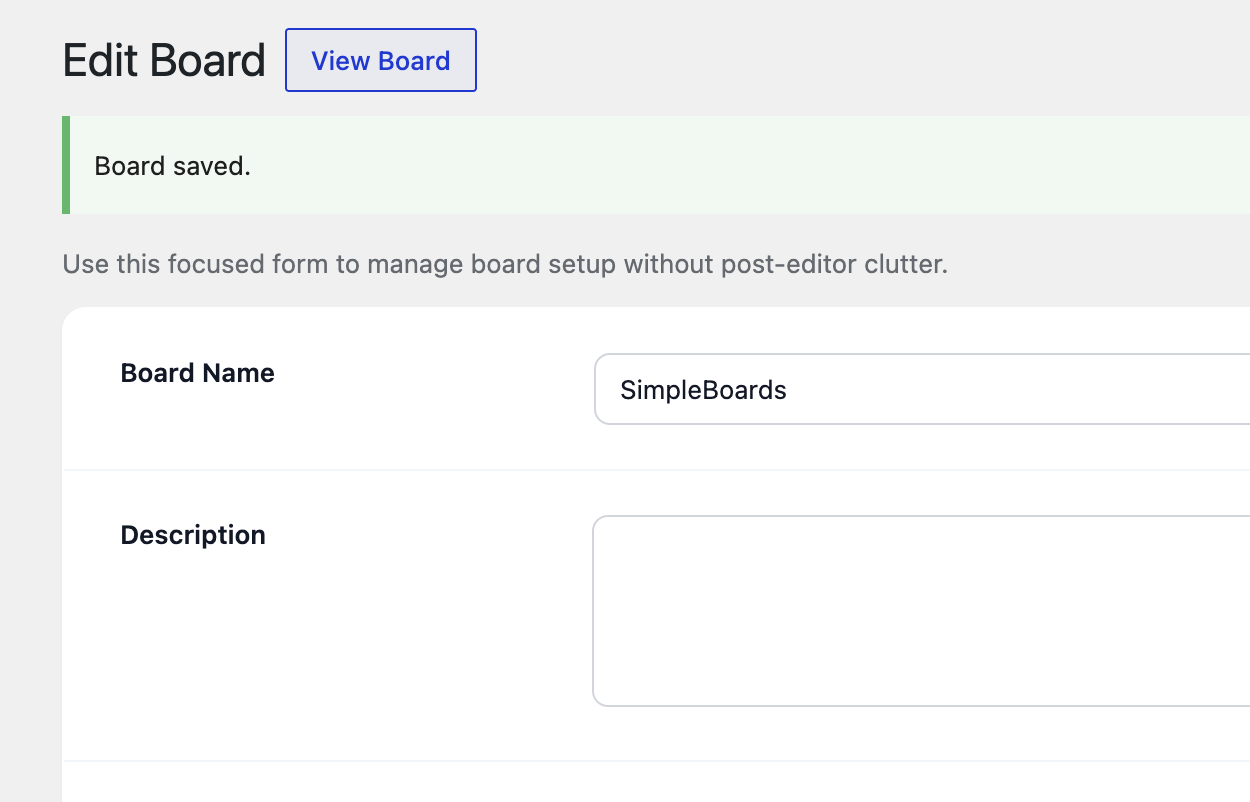
SimpleBoards lives entirely inside your WordPress admin. No external accounts. No API keys. No webhooks to configure. You install, you embed, you collect.
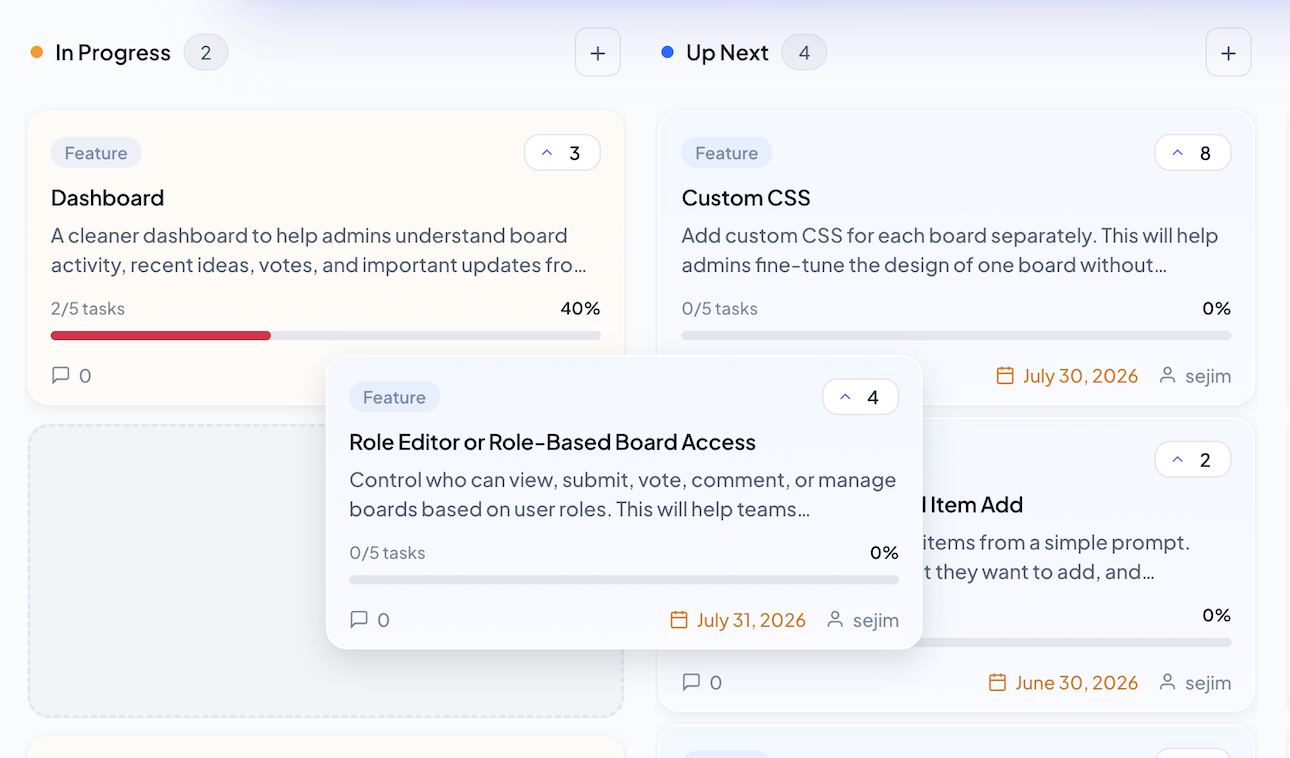
Pro unlocks private boards, AI-powered planning, workflow automations, checklist progress, and full design controls. Built for teams shipping serious product.
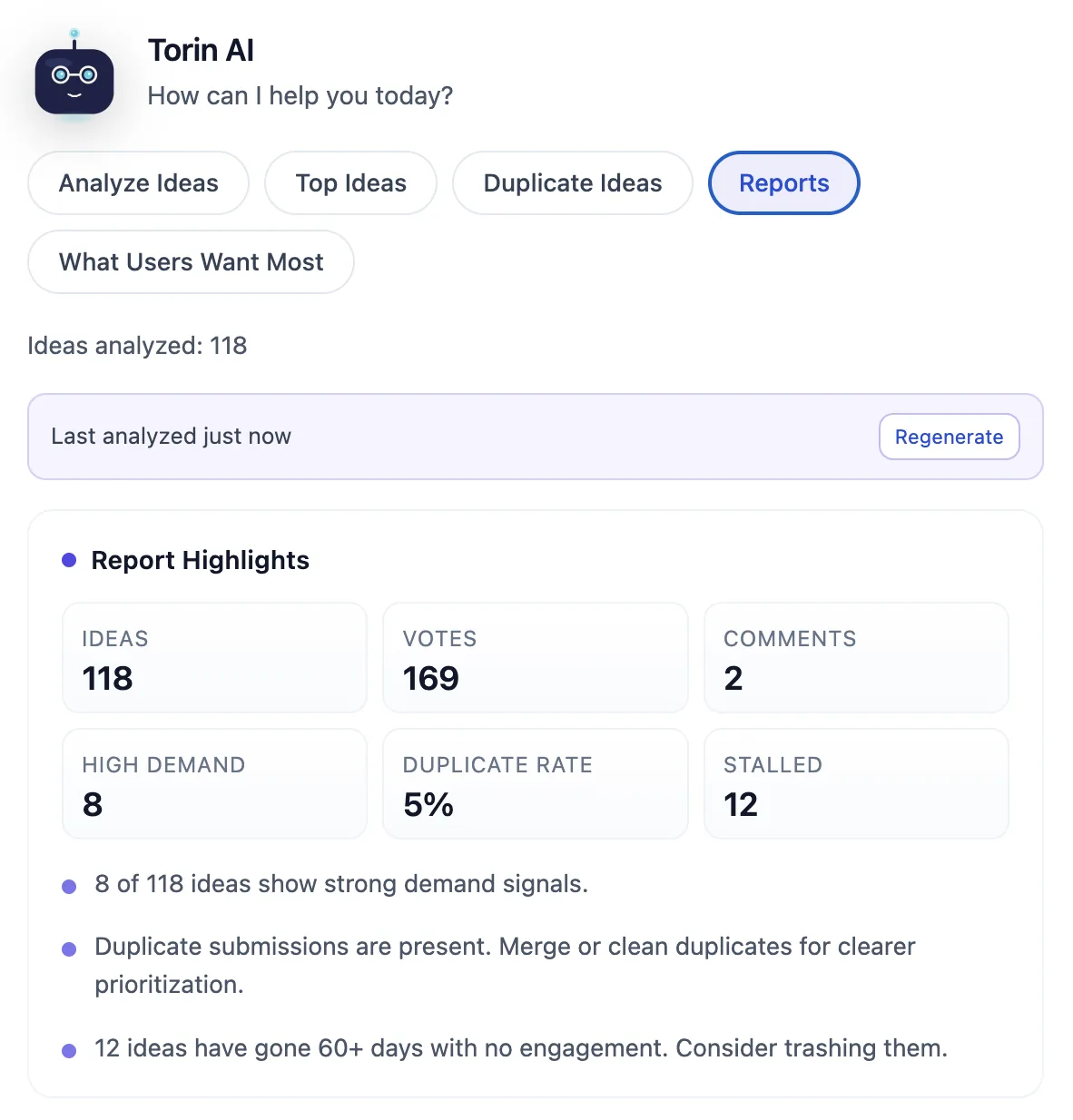
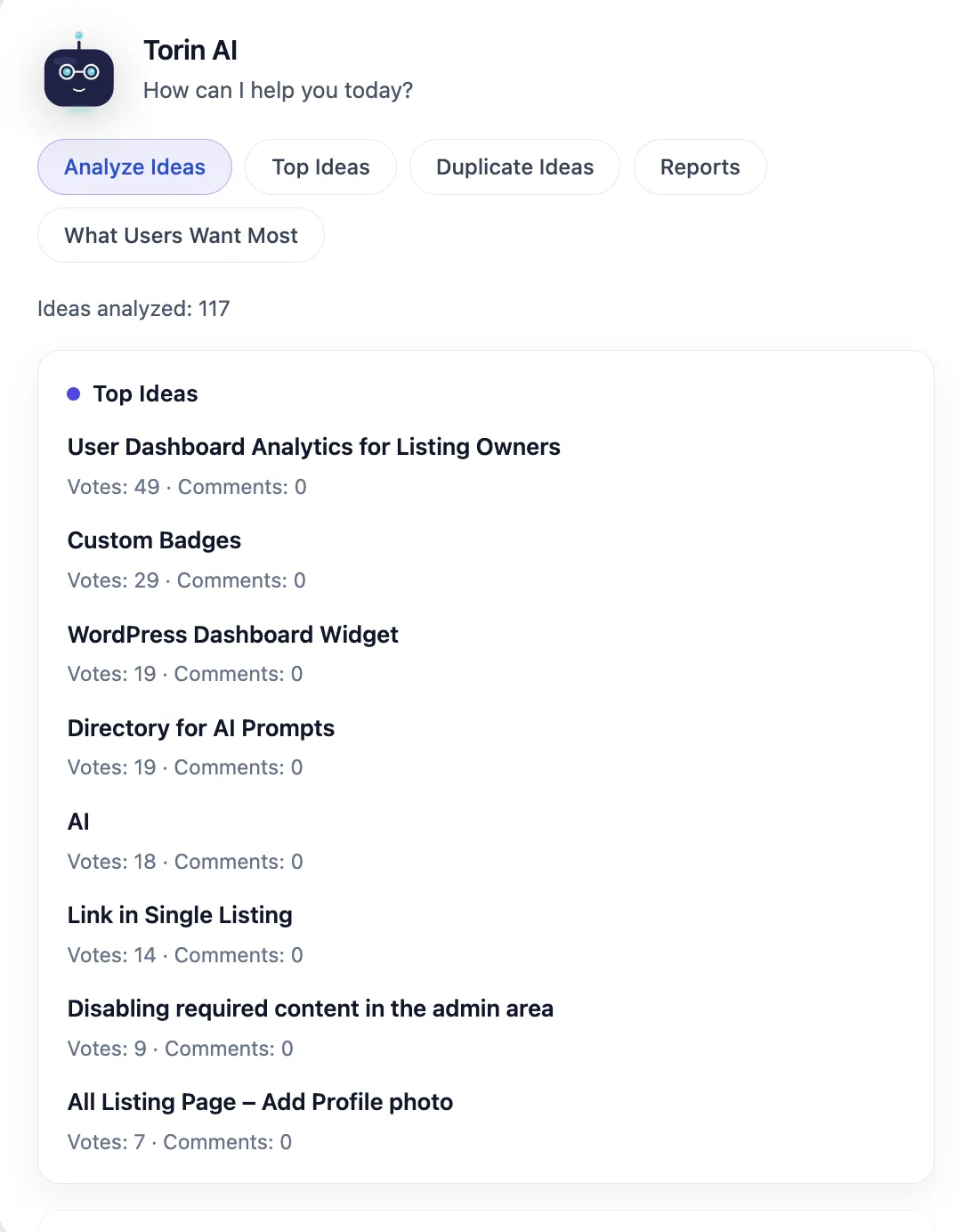
Torin reads every idea, groups duplicates, classifies user intent, and tells you what to build next. Planning drops from hours of manual sorting to a 30-second review.
Restrict board access by WordPress role. Keep internal planning separate from public roadmaps.
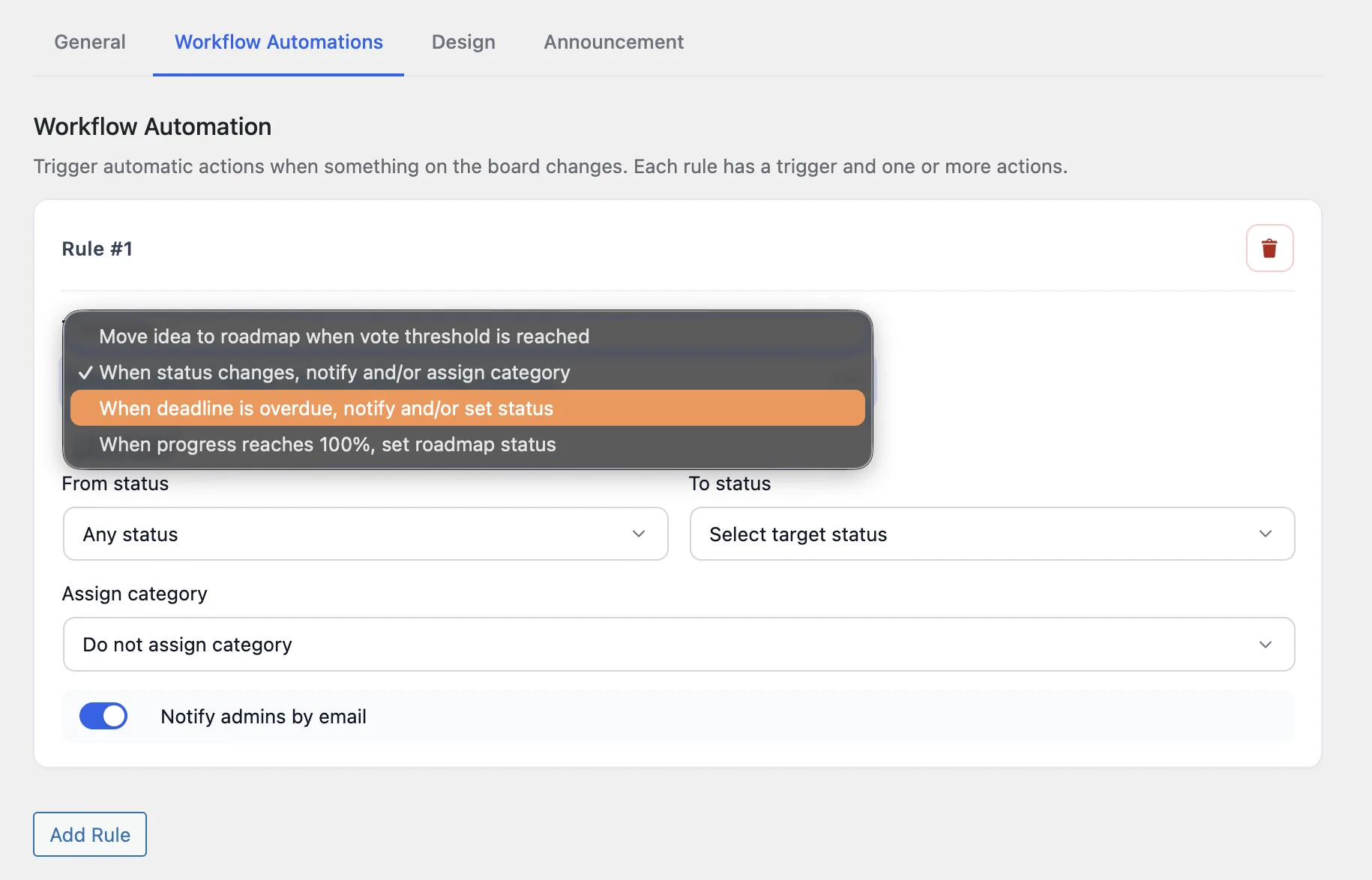
Trigger actions when ideas hit vote thresholds, change status, or go overdue. Less manual work, faster response to your users.
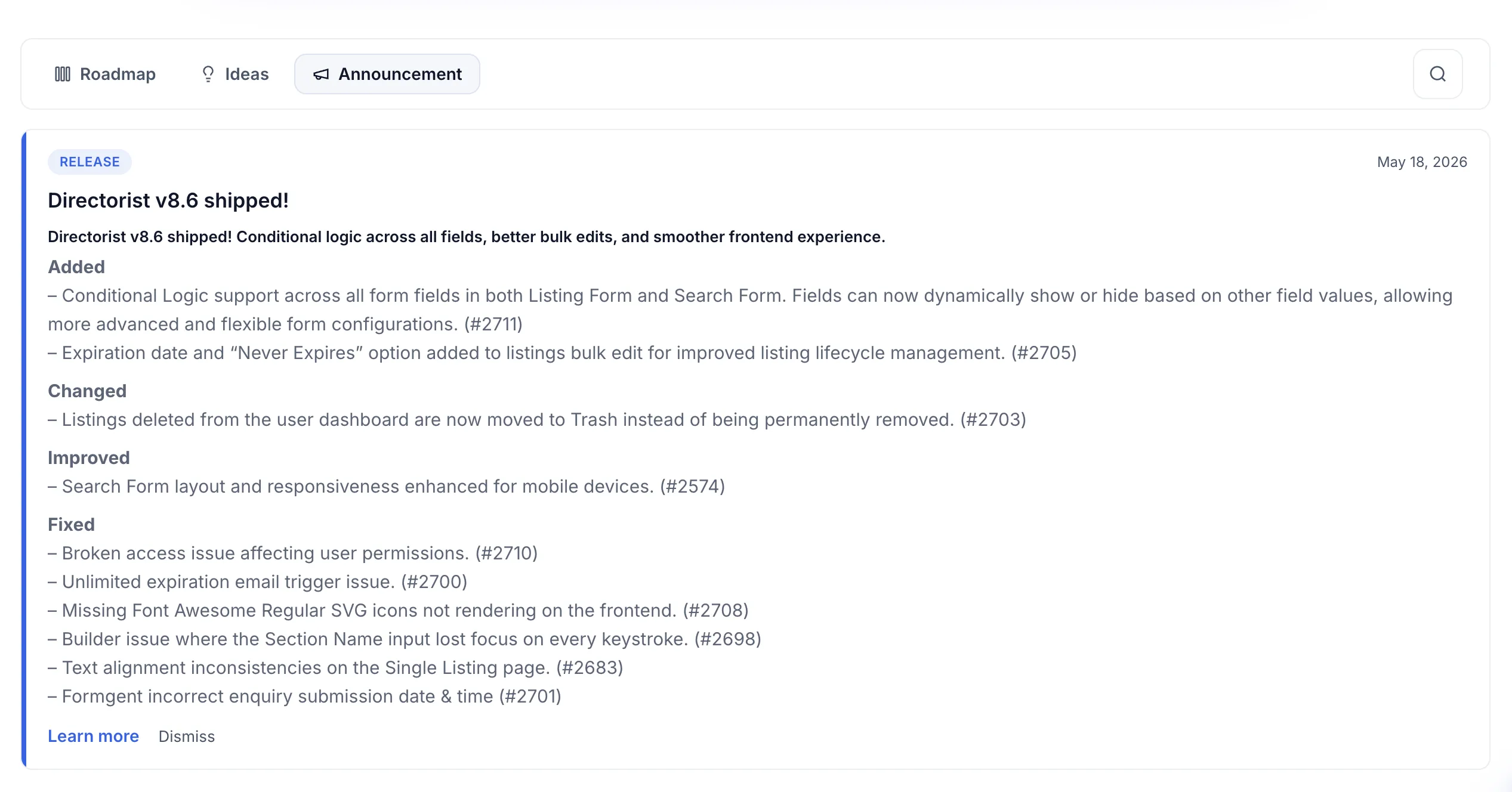
Publish product updates in a tab and widget. Users see news the moment they visit.
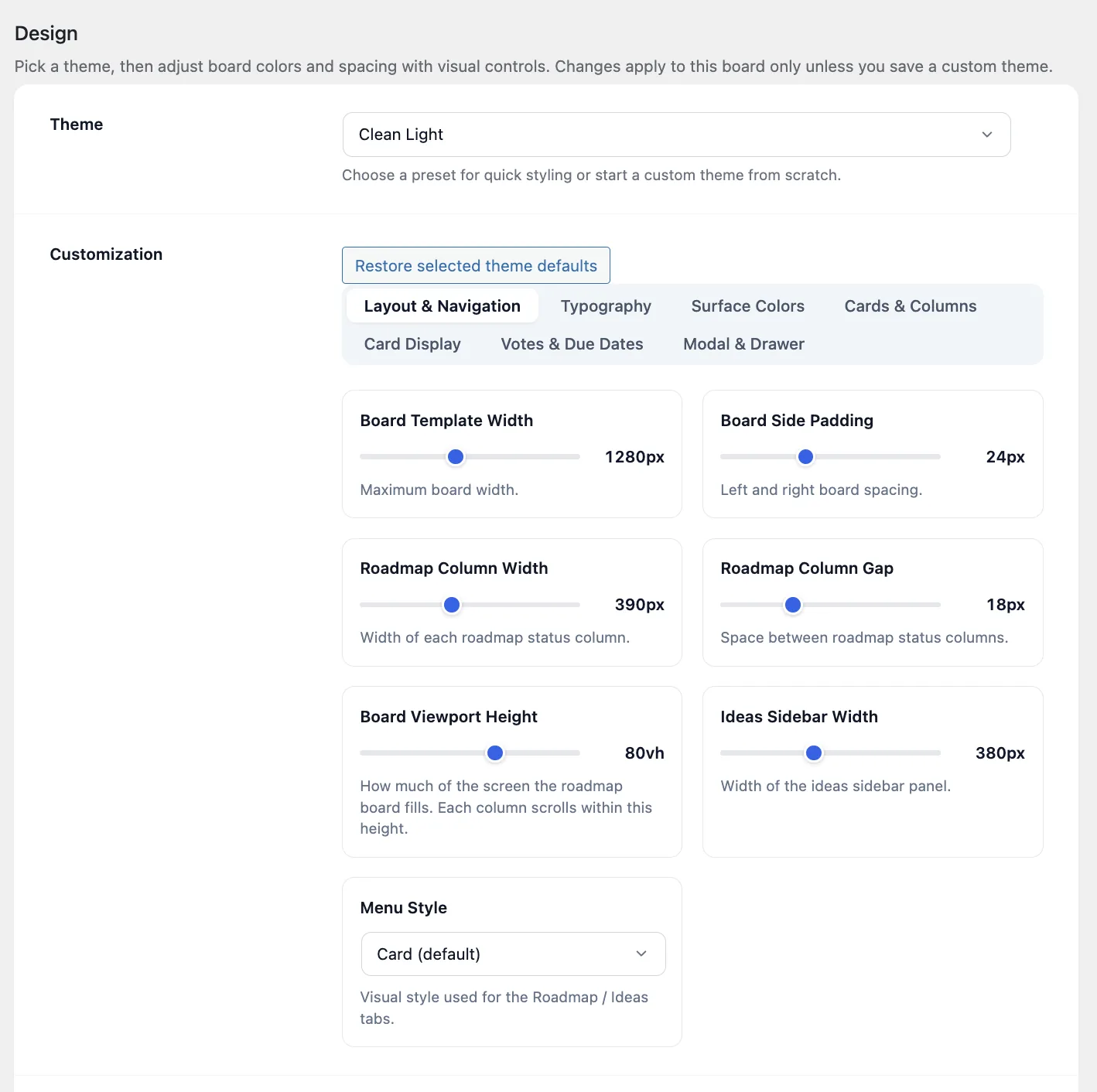
Full control over layout, colors, typography, vote styles, column widths, and spacing. Match your brand perfectly.
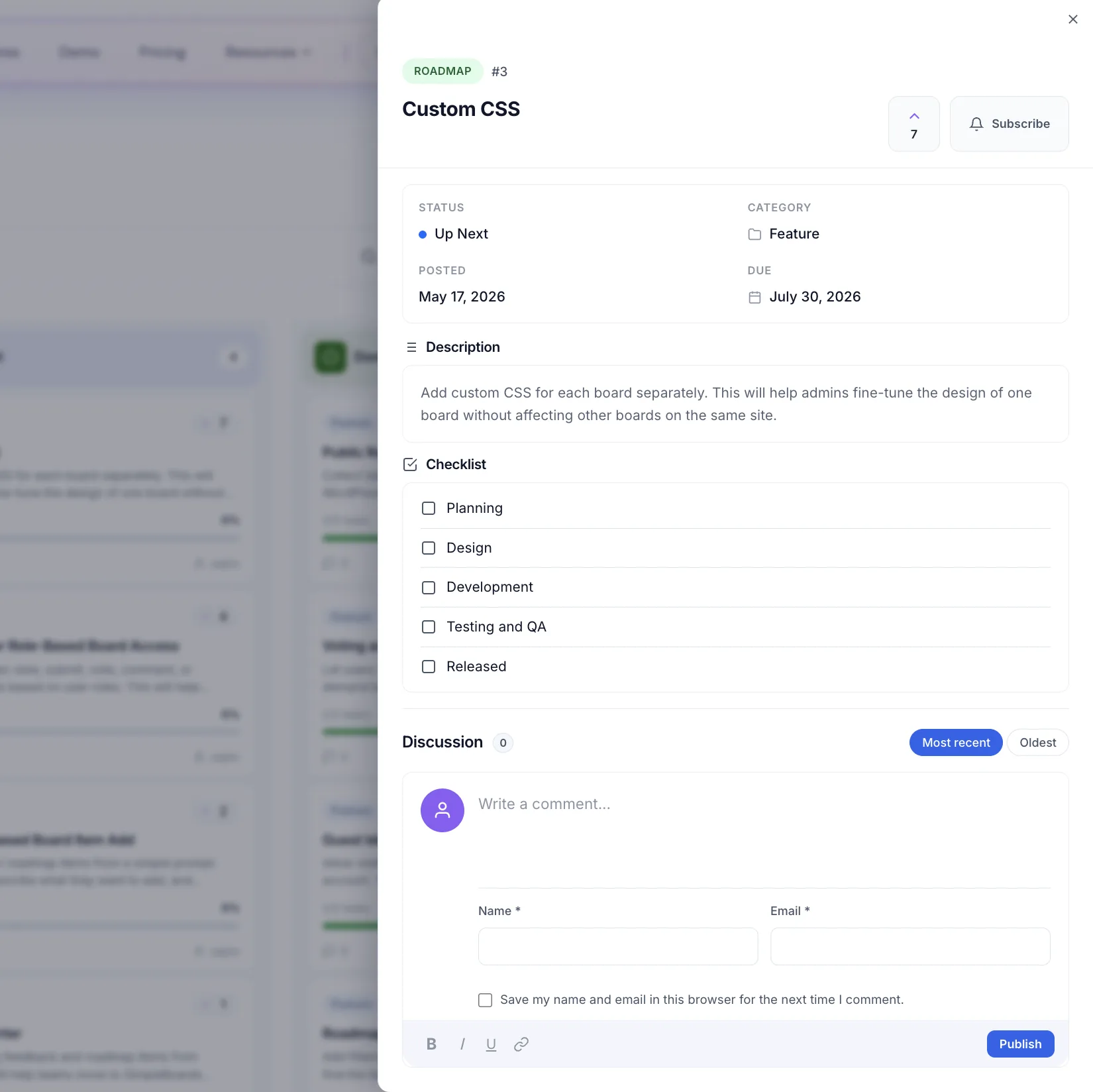
Track subtasks inside each roadmap card. Progress visible on the board.
Torin reads every idea on your board, finds patterns, spots duplicates, and suggests what to build next. Teams using Torin cut planning time by about 70%, so they ship the right things faster.
Flags ideas that say the same thing differently. Merge in one click instead of hunting through hundreds of submissions.
Every idea gets tagged as a bug, feature, workflow pain, or question. You filter your board by what users actually mean instead of guessing.
Based on vote patterns and your roadmap, Torin recommends whether to plan, merge, archive, or escalate each idea.
Add [sbir_board product="board-slug"] to any page or post. The board renders immediately with your roadmap items, ideas, voting, and filters.
Yes. Enable guest submissions in plugin settings. Lower friction means more feedback without forcing users to create accounts.
Yes. Upload your LoopedIn CSV and we import titles, descriptions, statuses, dates, and vote counts. Allow duplicates or overwrite by title to match your migration needs.
SimpleBoards uses scoped styles that protect the board UI from most theme style conflicts. The board looks consistent regardless of which theme you use.
Pro adds private boards, announcements, workflow automations, full board design controls, checklist progress on cards, saved theme presets, advanced email flows, and Torin AI for idea analysis.
Stop tracking feature requests across email, chat, and support tickets. Run the whole feedback loop on the WordPress site you already maintain.
14-day money-back guarantee • No account required for the free version